
Twitch
Shows which of your Twitch channels are live, and the top games.
Set it up
Section titled “Set it up”integrations: twitch: type: twitch clientId: sample clientSecret: x channels: - northernsignal - quietkeep - harbourfm limit: 6
layout: - title: Feeds widgets: - twitch.channels| Option | Type | Default | What it does |
|---|---|---|---|
clientId | string | required | A Twitch app’s client id. |
clientSecret | string | required | That app’s secret. Use ${VAR}. |
channels | list of string | [] | Channels to watch for. |
limit | whole number | 8 | How many to show. Range 1 to 20. |
Widgets
Section titled “Widgets”2 widgets. Each key starts with your instance name, here twitch.
Twitch
Section titled “Twitch”twitch.channels · list card · refreshes every 2 minutes while the page is open.
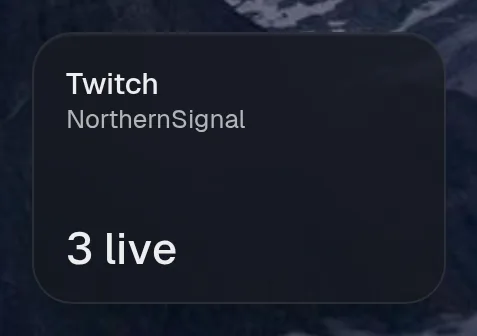
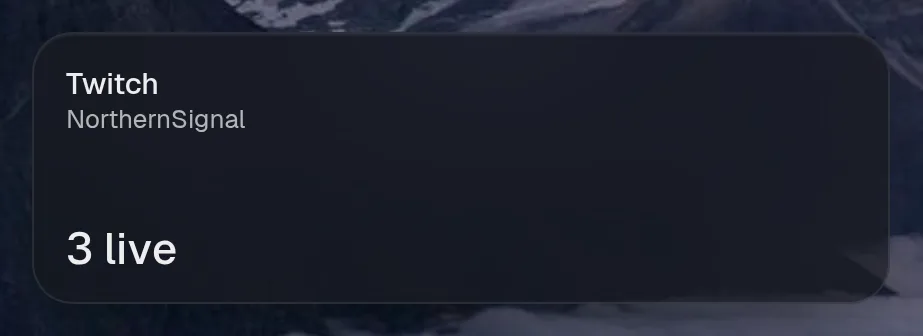
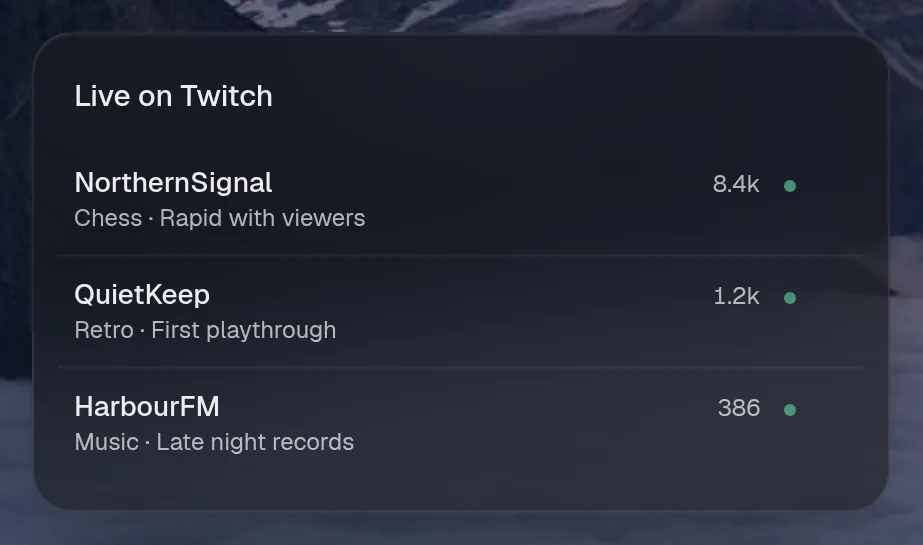
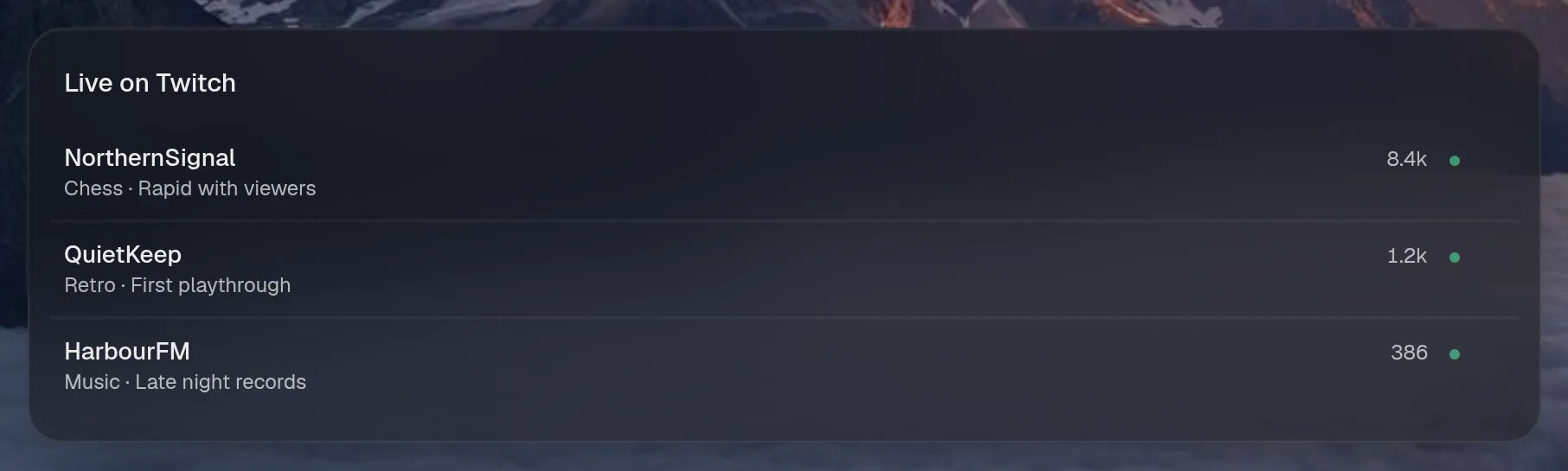
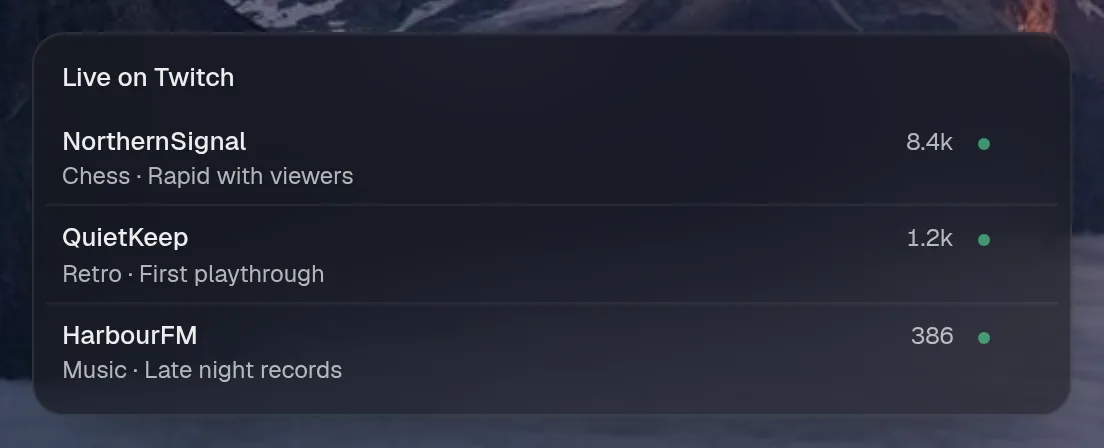
Tall draws the same as medium, so it isn't shown. Only the empty space changes.
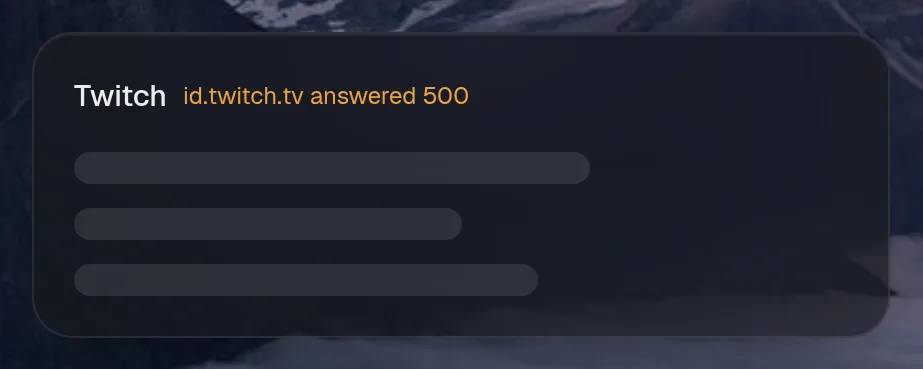
States
Section titled “States”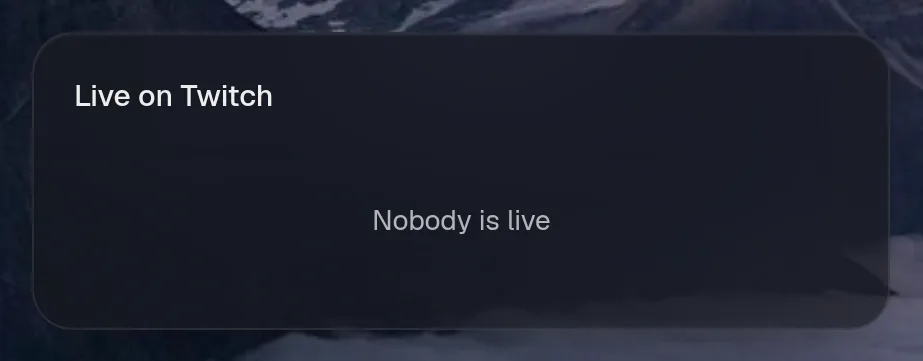
Top games
Section titled “Top games”twitch.games · list card · refreshes every 15 minutes while the page is open.


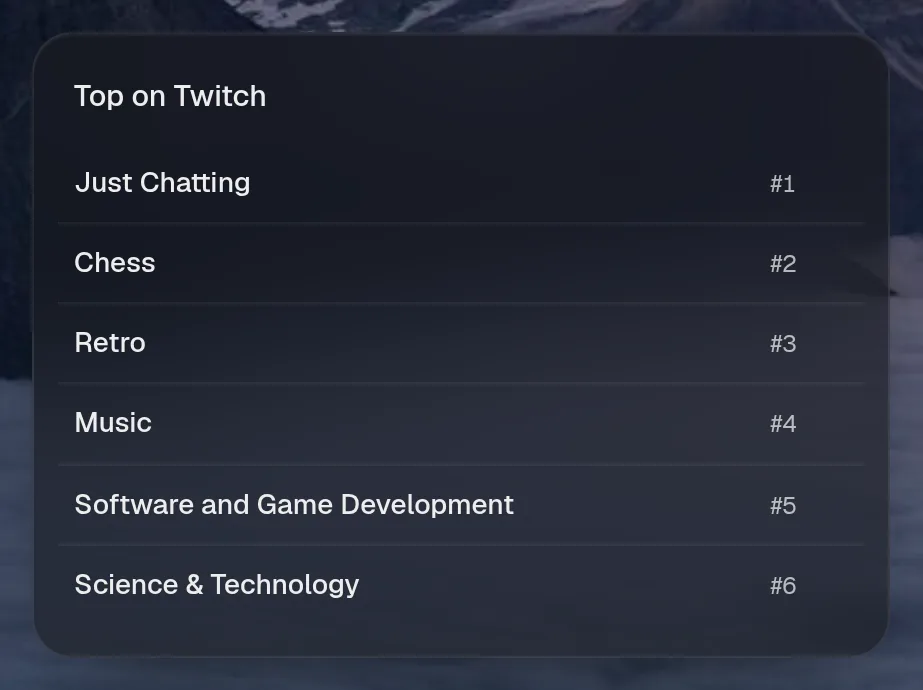
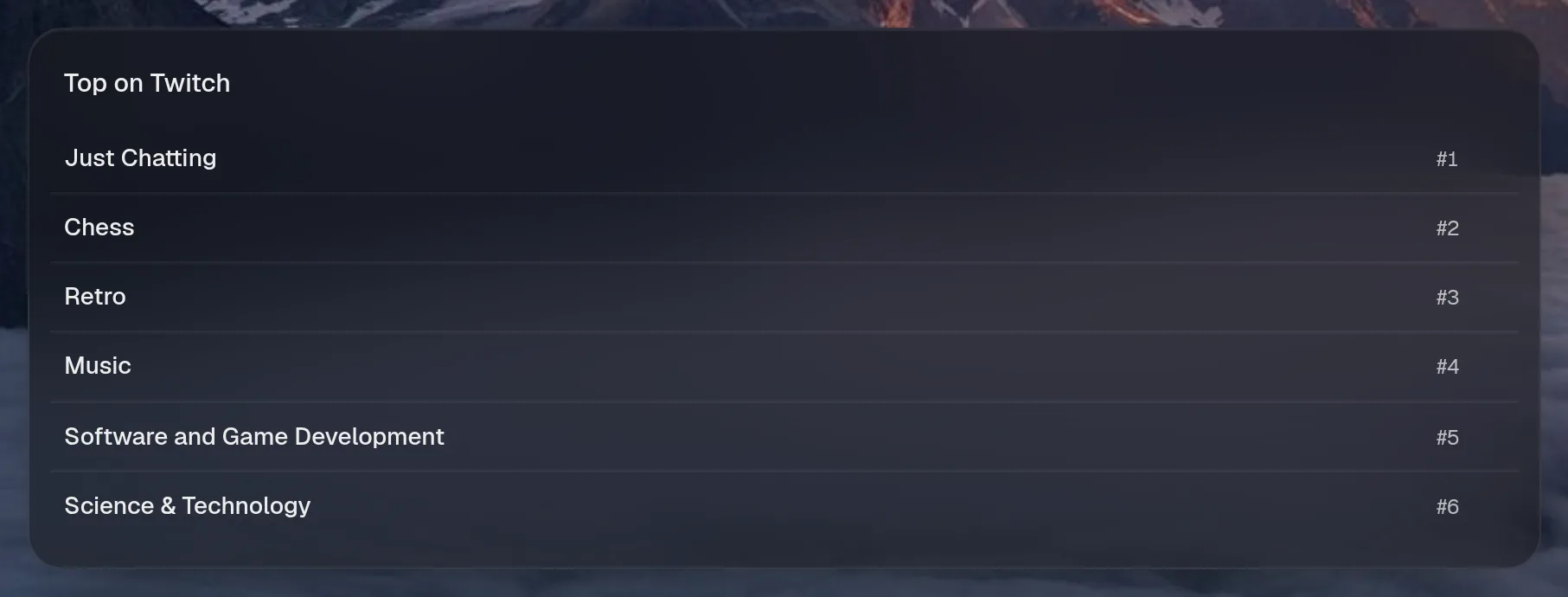
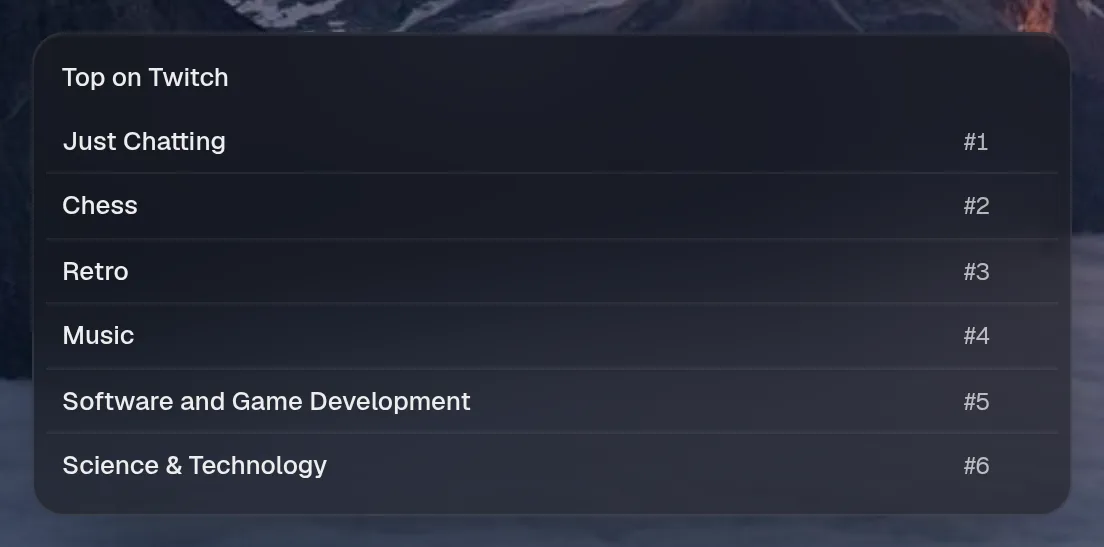
Tall draws the same as medium, so it isn't shown. Only the empty space changes.
States
Section titled “States”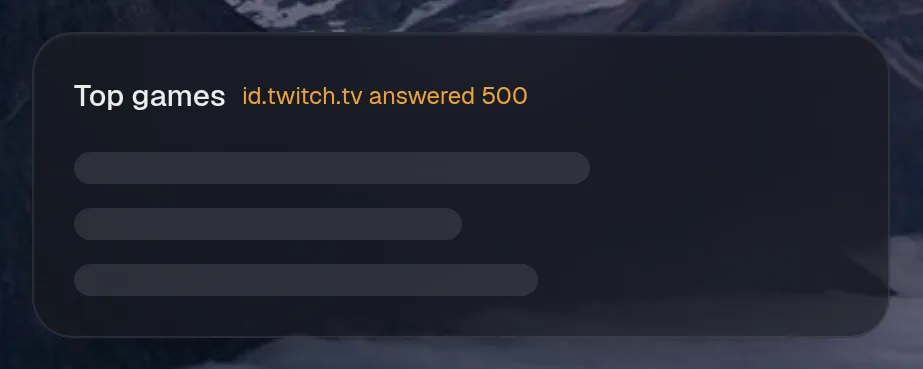
Assistant tools
Section titled “Assistant tools”What the assistant can use, once its access level allows it. Read tools run freely. Everything else asks first.
| Tool | Access | What it does |
|---|---|---|
twitch_live | read | Which of northernsignal, quietkeep, harbourfm are live, playing what, with how many viewers. |