
APC UPS
apcupsd looks after an APC UPS. This shows its status, charge, time left and load, over apcupsd’s network port.
Set it up
Section titled “Set it up”integrations: apcups: type: apcups host: ups.example title: UPS
layout: - title: Infrastructure widgets: - apcups.status| Option | Type | Default | What it does |
|---|---|---|---|
host | string | required | Where apcupsd’s network port is. |
port | whole number | 3551 | apcupsd’s network port. Range -9007199254740991 to 9007199254740991. |
title | string | UPS | The card’s title. |
Widgets
Section titled “Widgets”One widget. Its key is apcups.status, using the instance name from your config.
apcups.status · stats card · refreshes every 30 seconds while the page is open.
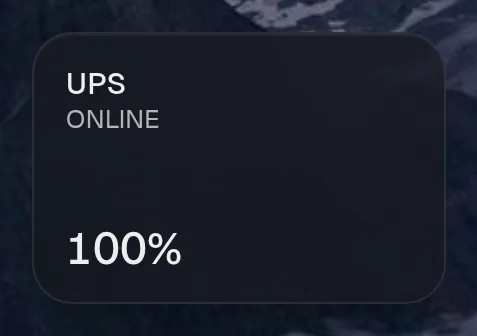

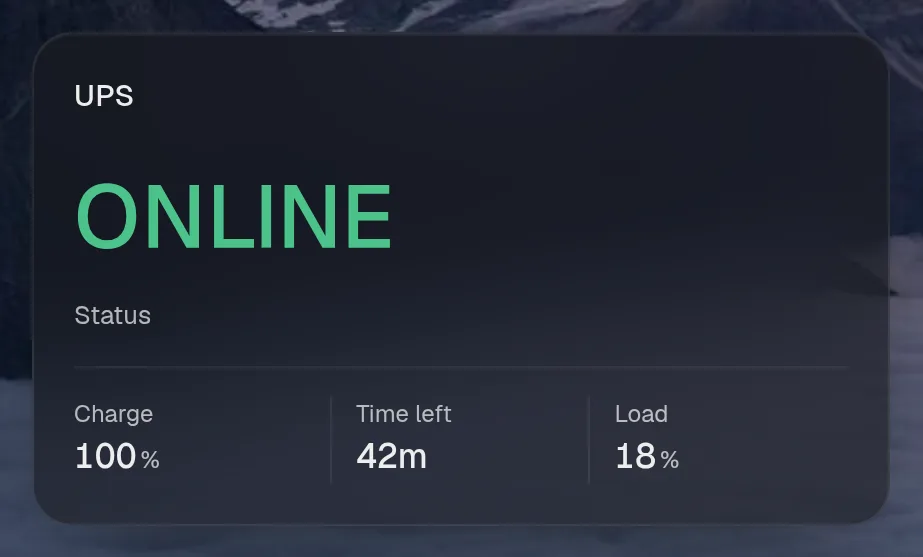
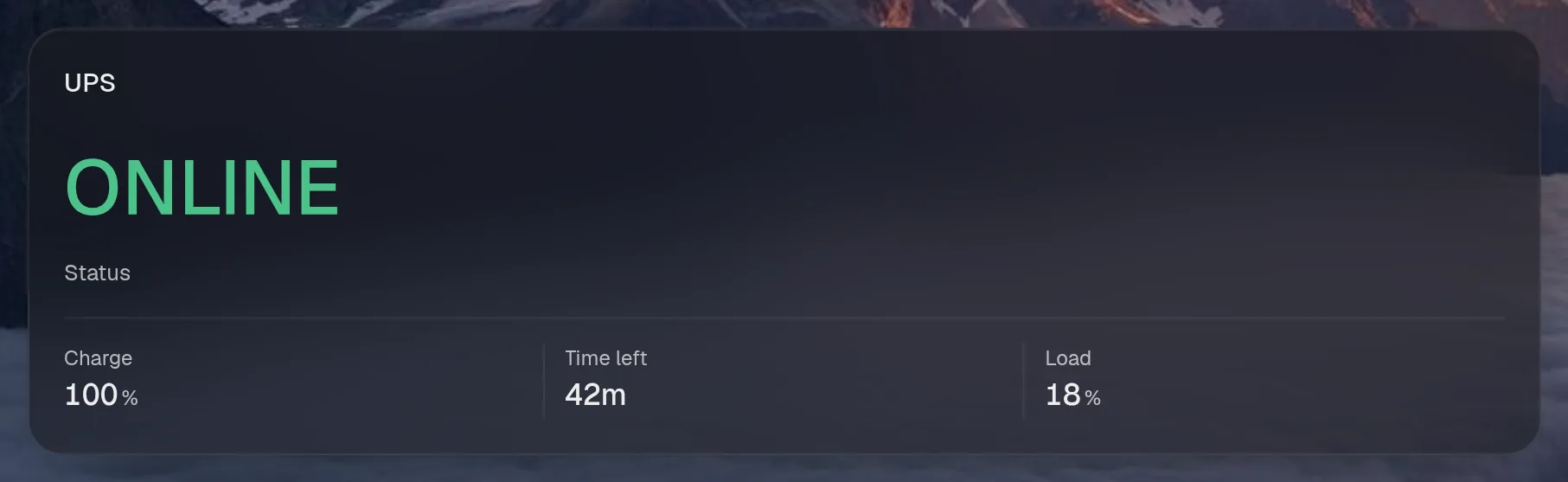
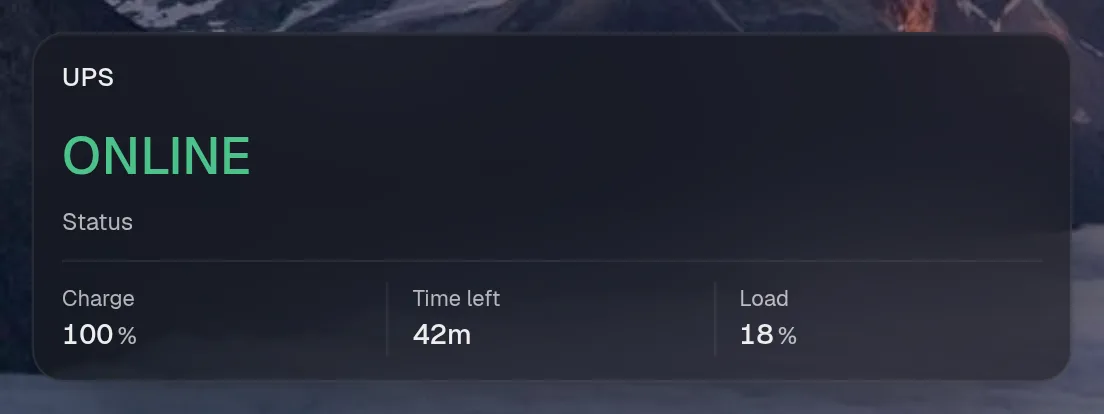
Tall draws the same as medium, so it isn't shown. Only the empty space changes.
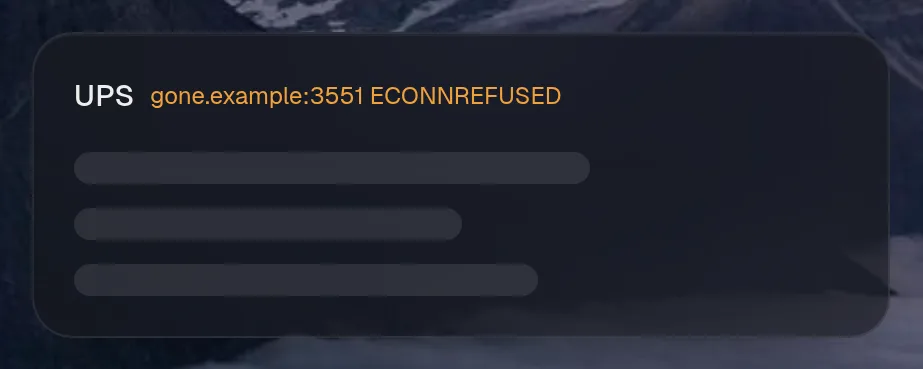
States
Section titled “States”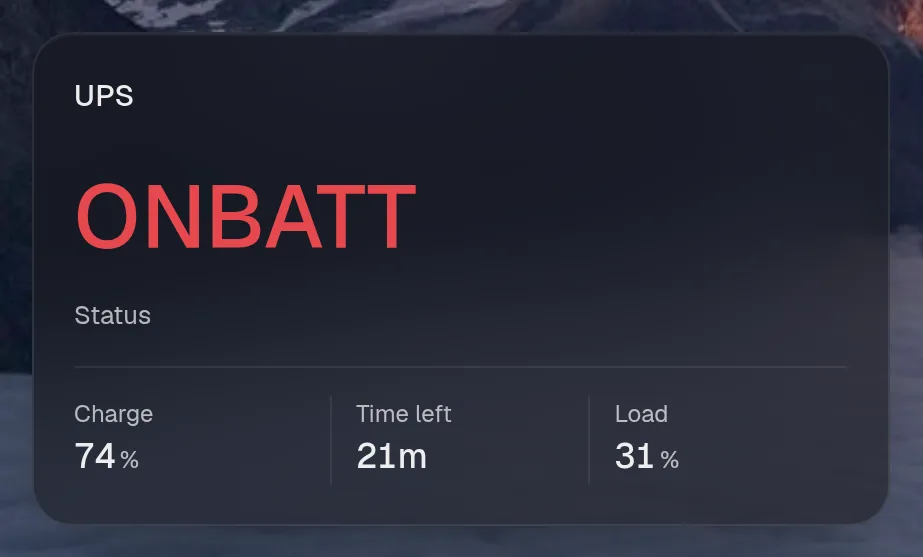
Assistant tools
Section titled “Assistant tools”What the assistant can use, once its access level allows it. Read tools run freely. Everything else asks first.
| Tool | Access | What it does |
|---|---|---|
ups_status | read | UPS status: on mains or battery, charge, minutes left, load. |