
Calendar
Reads iCal calendars by URL. This shows the next events as a list, and an agenda beside a month you can browse.
Set it up
Section titled “Set it up”integrations: calendar: type: calendar calendars: - url: https://cal.example.com/family.ics name: Family color: "#5ac8fa" - url: https://cal.example.com/work.ics name: Work color: "#ff9f6b" - url: https://cal.example.com/home.ics name: Home color: "#bf8bff" days: 14 title: Coming up
layout: - title: Home widgets: - calendar.upcoming| Option | Type | Default | What it does |
|---|---|---|---|
calendars | list of URL or object | required | iCal URLs, or objects with url, name and color. |
days | whole number | 14 | How many days ahead to look. Range 1 to 60. |
limit | whole number | 10 | How many events to list. Range 1 to 50. |
title | string | Coming up | The card’s title. |
months | whole number | 6 | how far ahead the month view browses (it always reaches one month back) Range 1 to 24. |
Widgets
Section titled “Widgets”2 widgets. Each key starts with your instance name, here calendar.
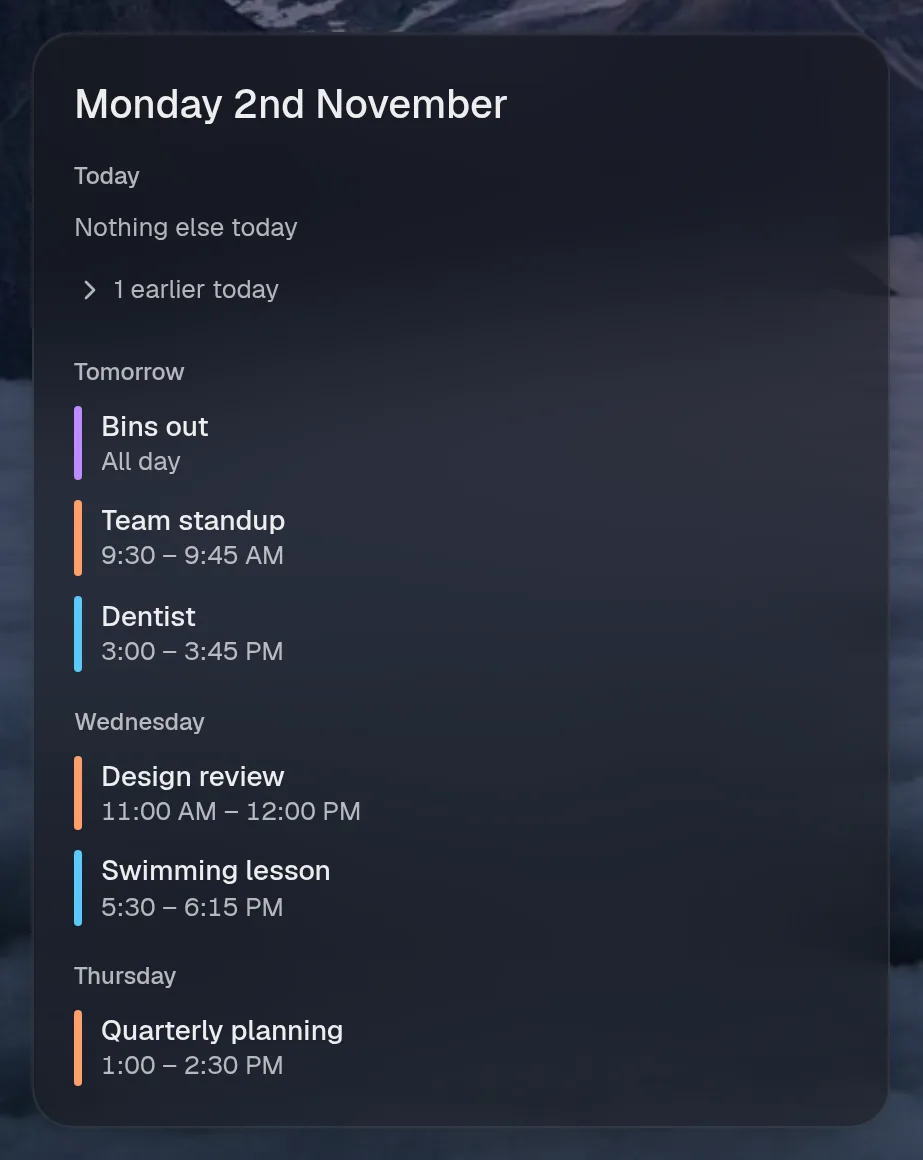
Coming up
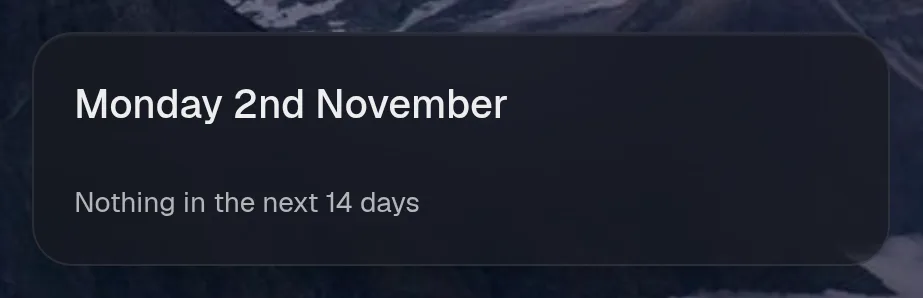
Section titled “Coming up”calendar.upcoming · list card · refreshes every 10 minutes while the page is open.
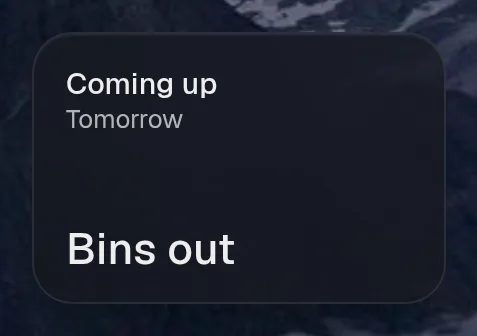
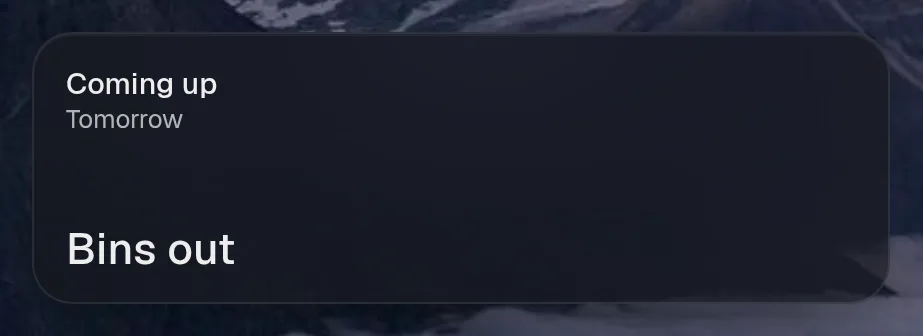
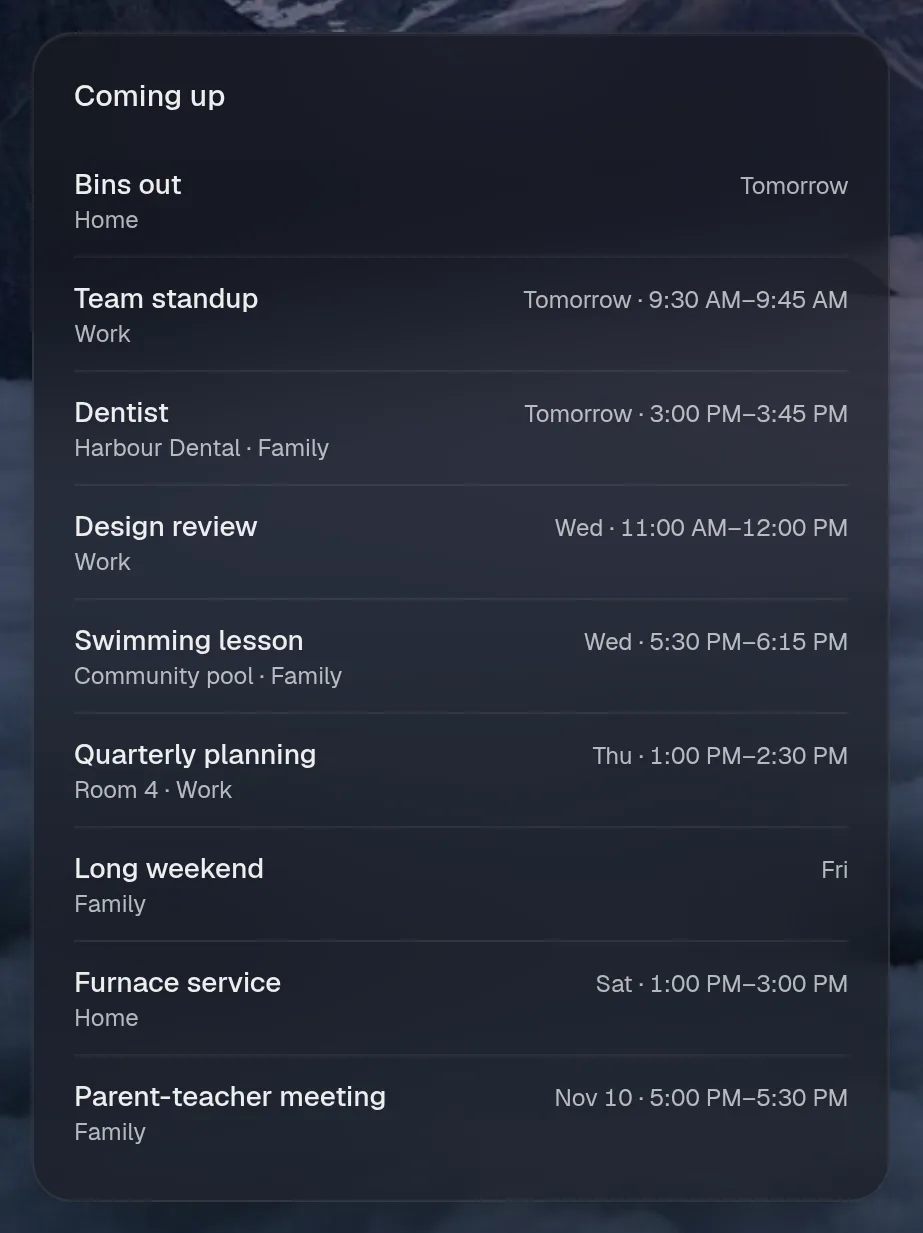
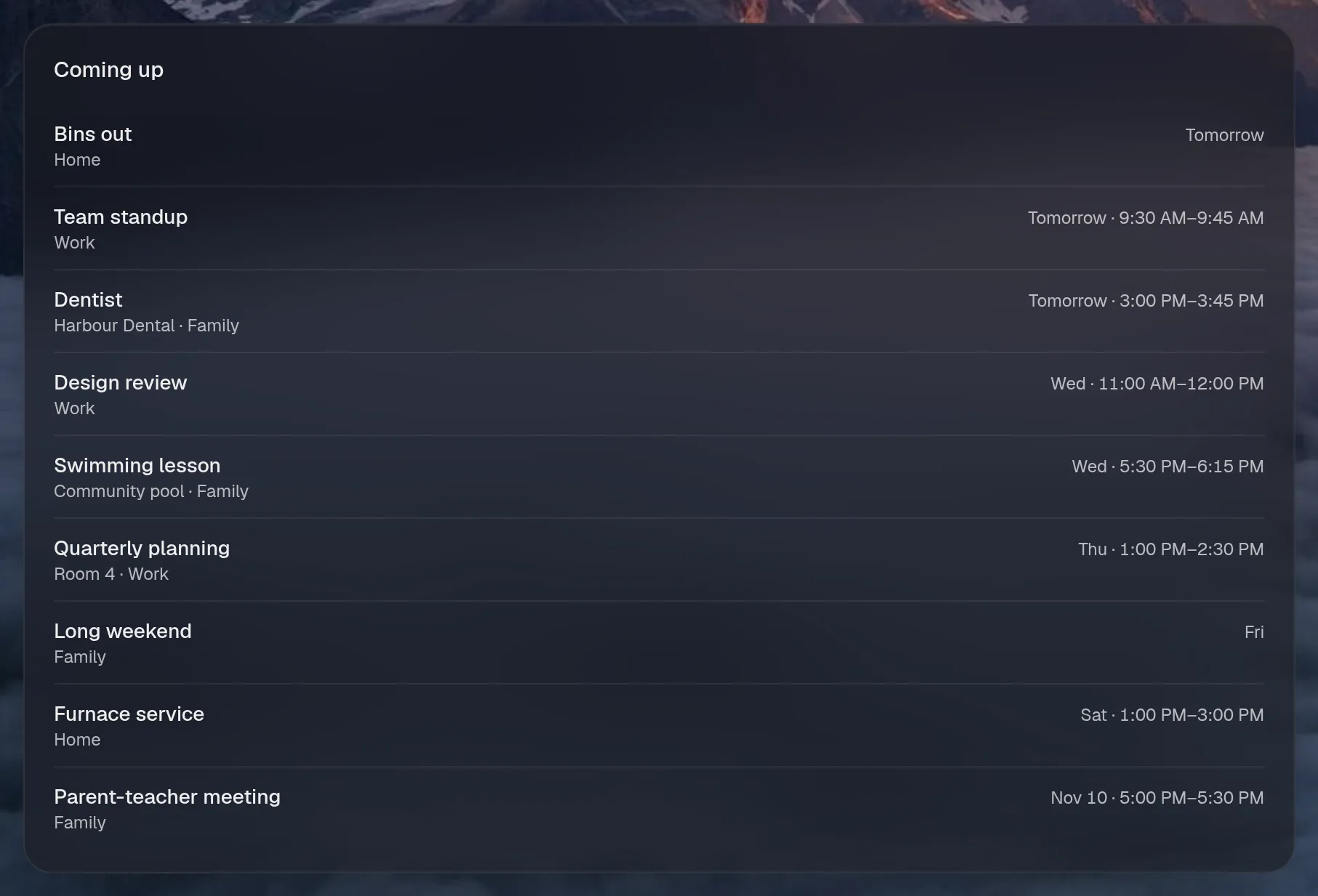
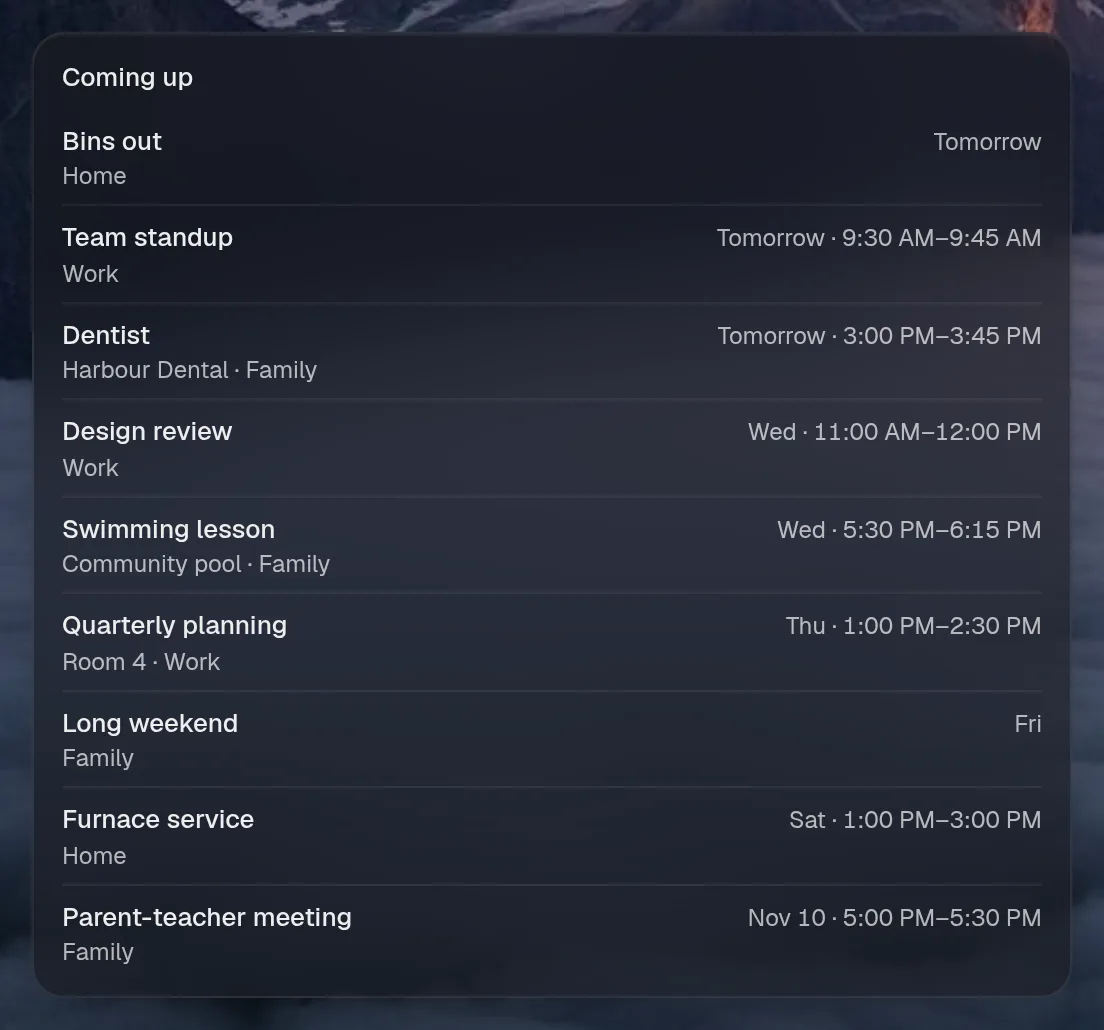
Tall draws the same as medium, so it isn't shown. Only the empty space changes.
States
Section titled “States”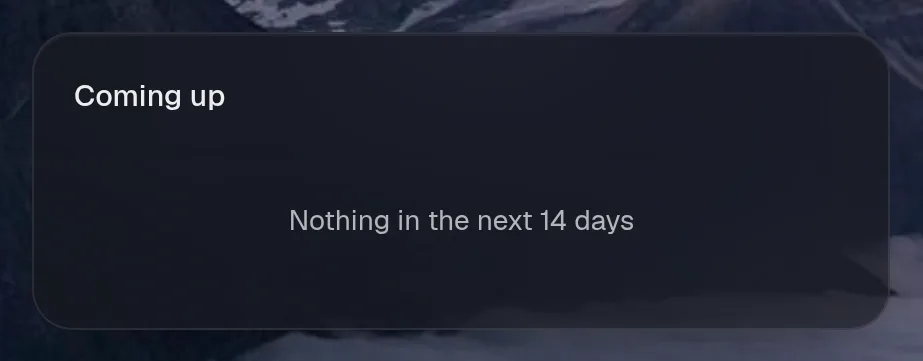
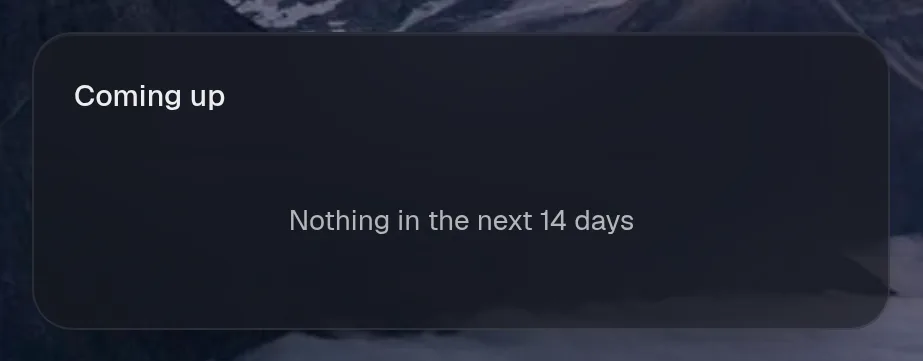
Coming up
Section titled “Coming up”calendar.agenda · calendar card · refreshes every 10 minutes while the page is open.
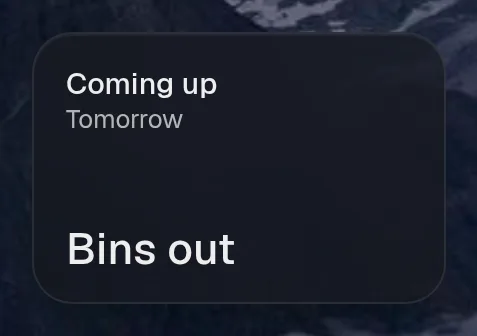
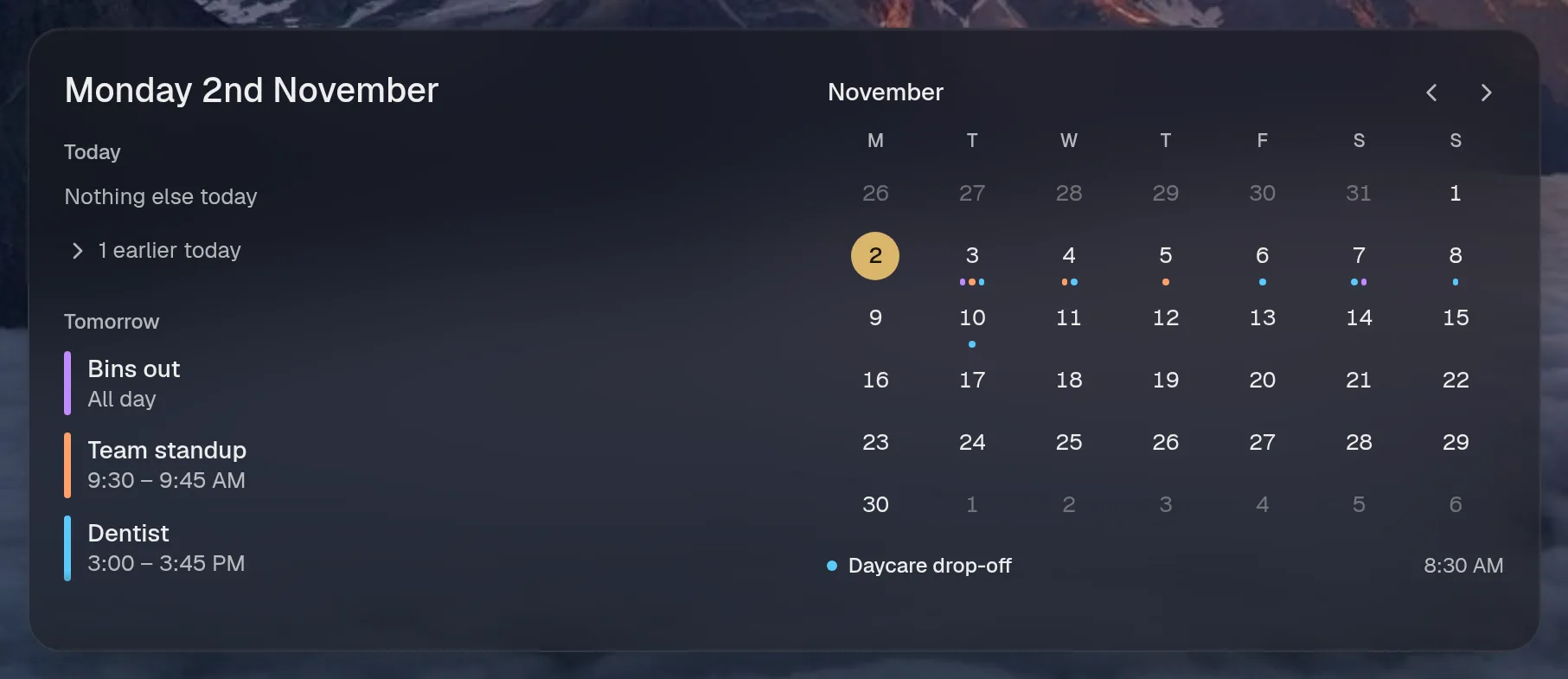
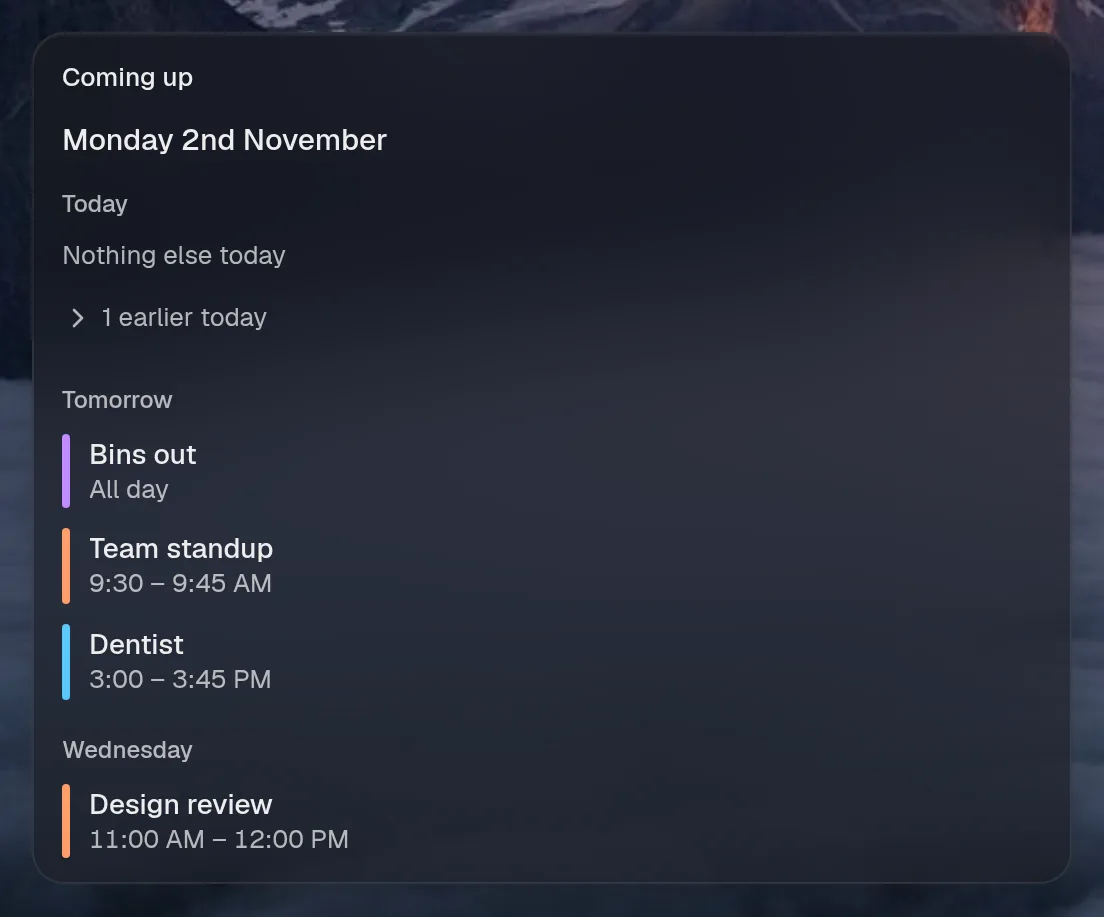
Wide draws the same as large. Tall draws the same as medium, so they aren't shown. Only the empty space changes.
States
Section titled “States”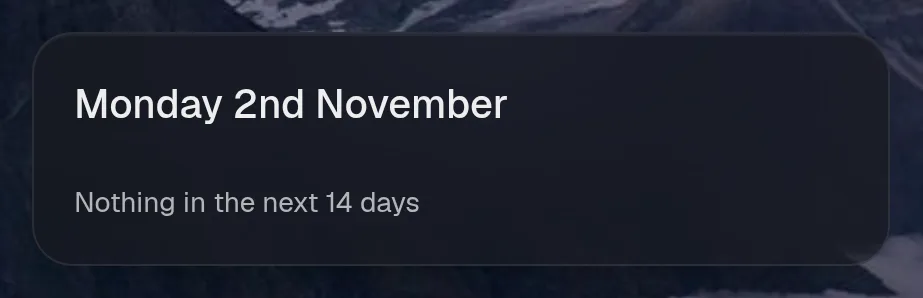
Assistant tools
Section titled “Assistant tools”What the assistant can use, once its access level allows it. Read tools run freely. Everything else asks first.
| Tool | Access | What it does |
|---|---|---|
calendar_upcoming | read | What’s on the person’s calendar in the coming days (Family, Work, Home): title, start, end, location. |