Local AI
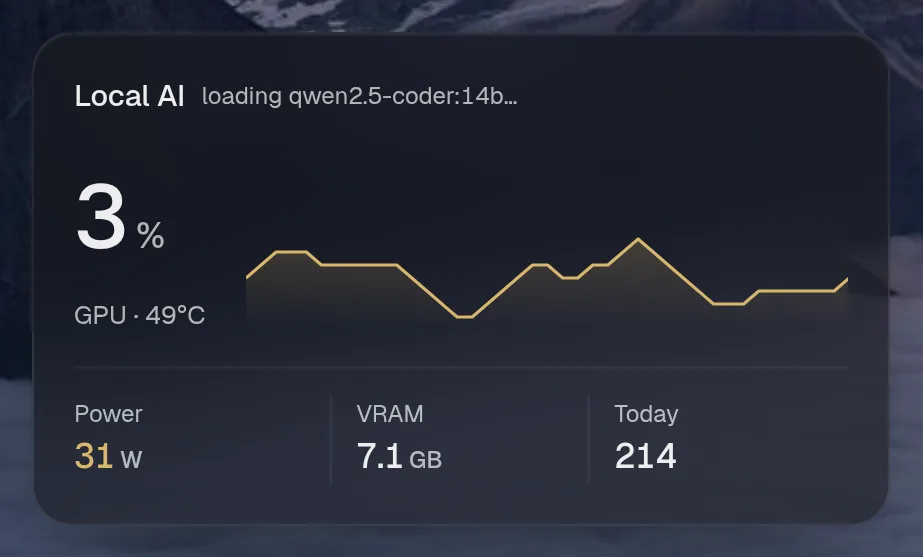
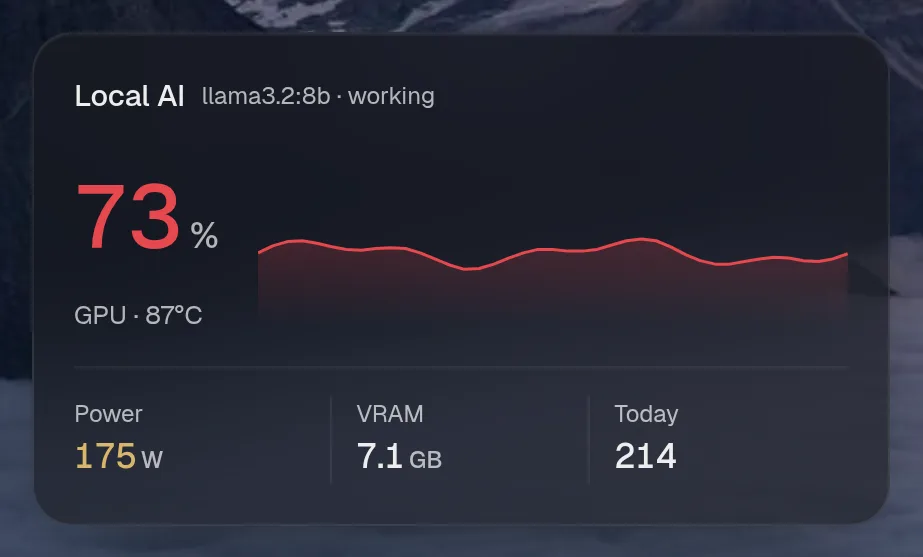
Reads a monitor that sits in front of your local models. This shows the GPU’s load, power and VRAM, which model is loaded, and today’s requests, tokens and electricity cost.
Set it up
Section titled “Set it up”integrations: aimonitor: type: aimonitor url: http://ai-monitor:9000
layout: - title: Infrastructure widgets: - aimonitor.usage| Option | Type | Default | What it does |
|---|---|---|---|
url | URL | required | Where the service answers, from Valet’s side. |
href | string | optional | Where the card links to, when that differs from url. |
Widgets
Section titled “Widgets”2 widgets. Each key starts with your instance name, here aimonitor.
Local AI usage
Section titled “Local AI usage”aimonitor.usage · stats card · refreshes every 5 seconds while the page is open.

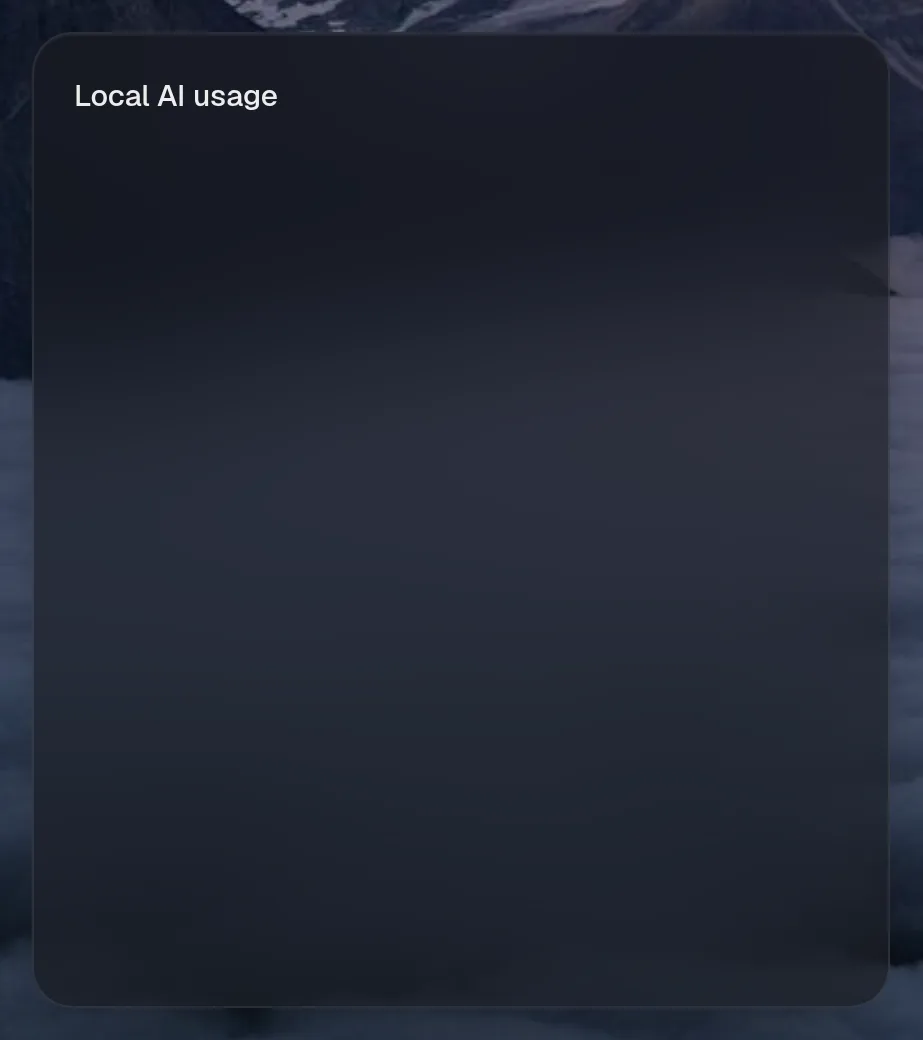


Small draws the same as medium. Wide draws the same as medium, so they aren't shown. Only the empty space changes.
States
Section titled “States”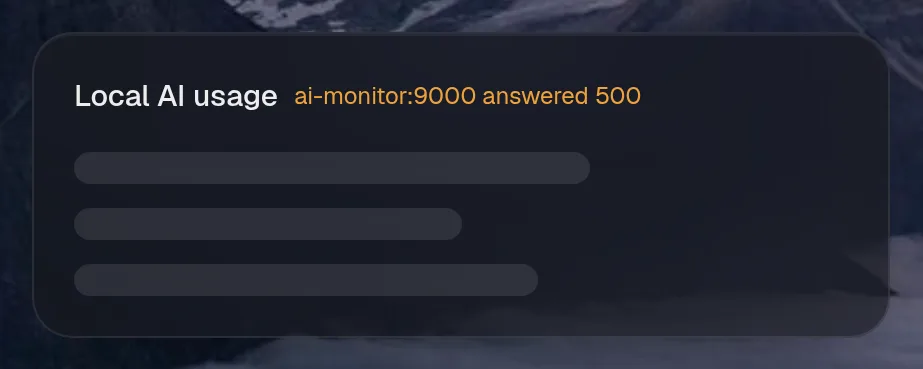
Local AI
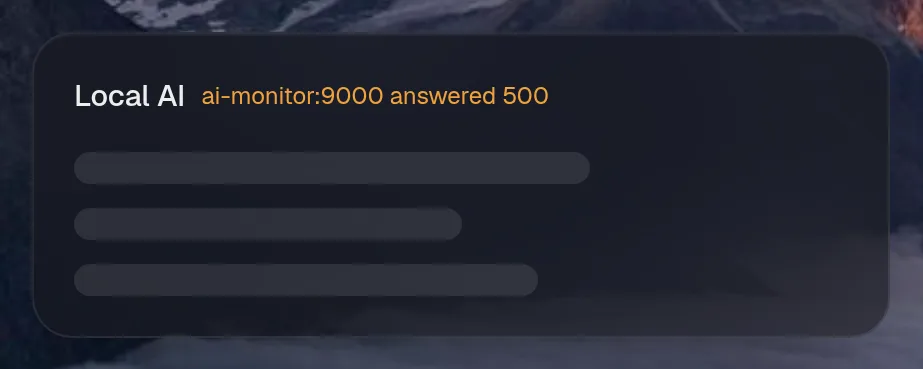
Section titled “Local AI”aimonitor.gpu · stats card · refreshes every 5 seconds while the page is open.
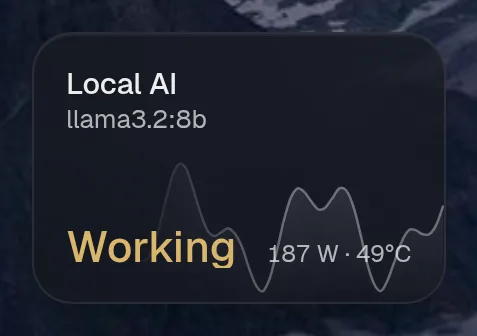
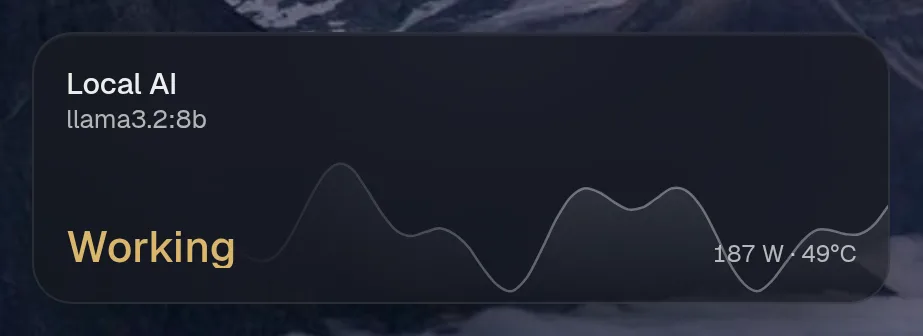
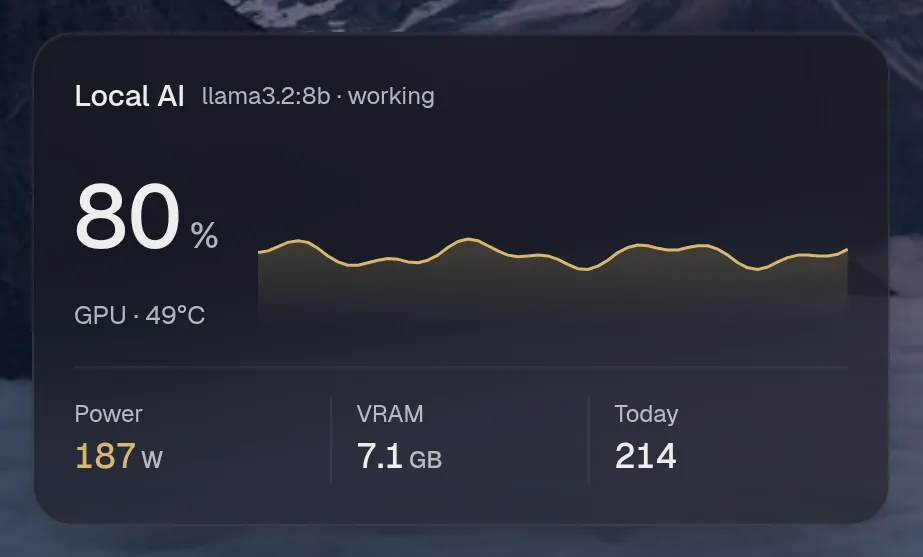
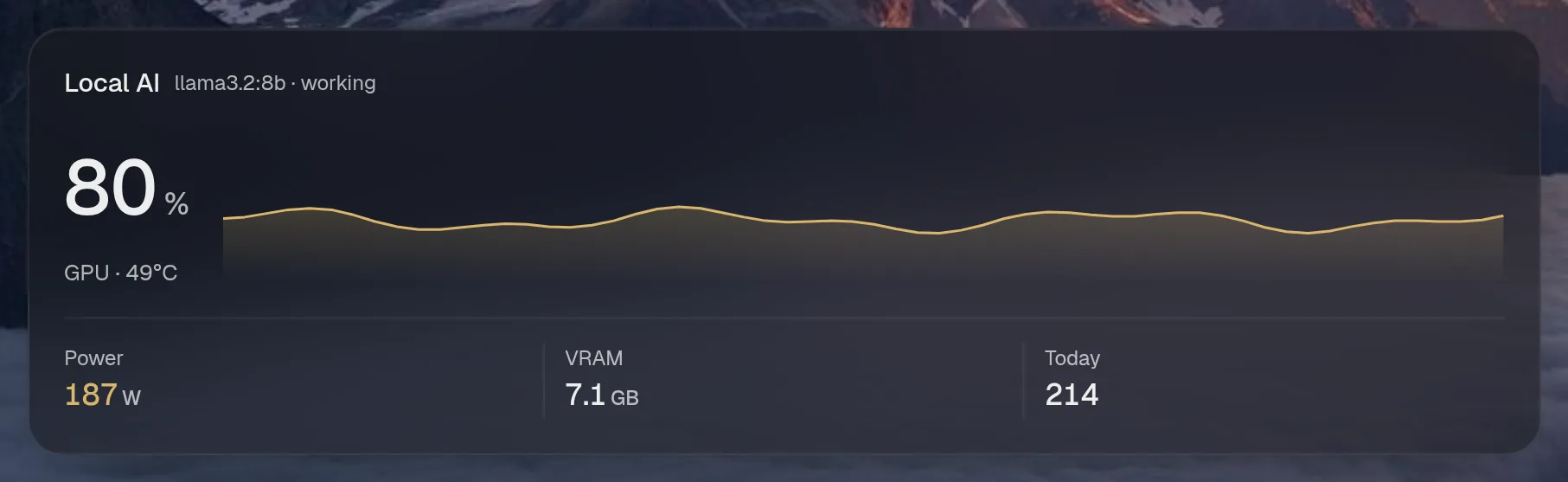
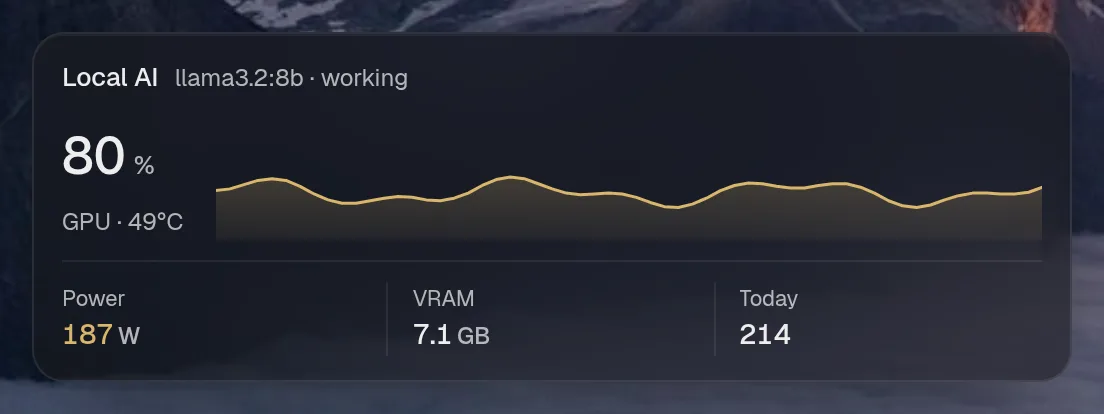
Tall draws the same as medium, so it isn't shown. Only the empty space changes.
States
Section titled “States”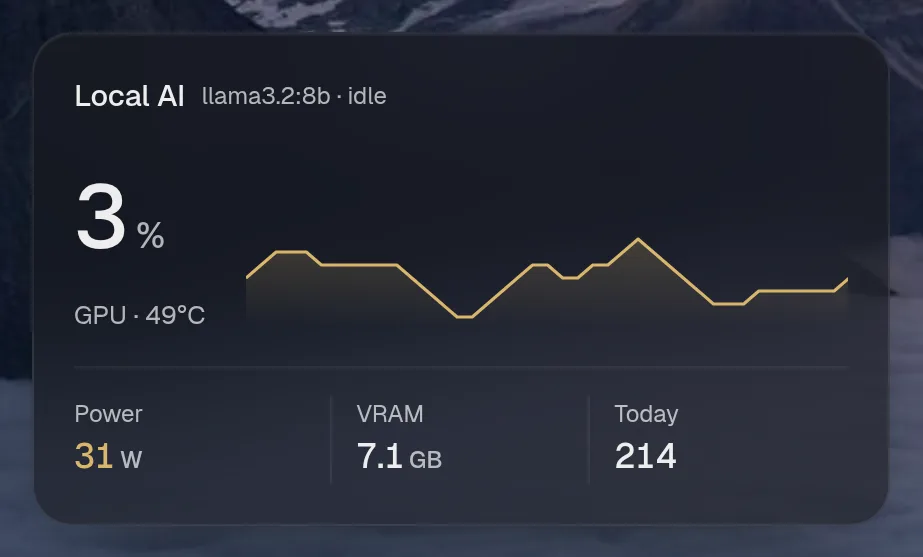
Assistant tools
Section titled “Assistant tools”What the assistant can use, once its access level allows it. Read tools run freely. Everything else asks first.
| Tool | Access | What it does |
|---|---|---|
local_ai_status | read | Status of the local AI server: GPU load, power draw, VRAM, temperature, which model is loaded (or swapping), anything running now, and today’s requests, tokens and electricity cost. |
Year in review
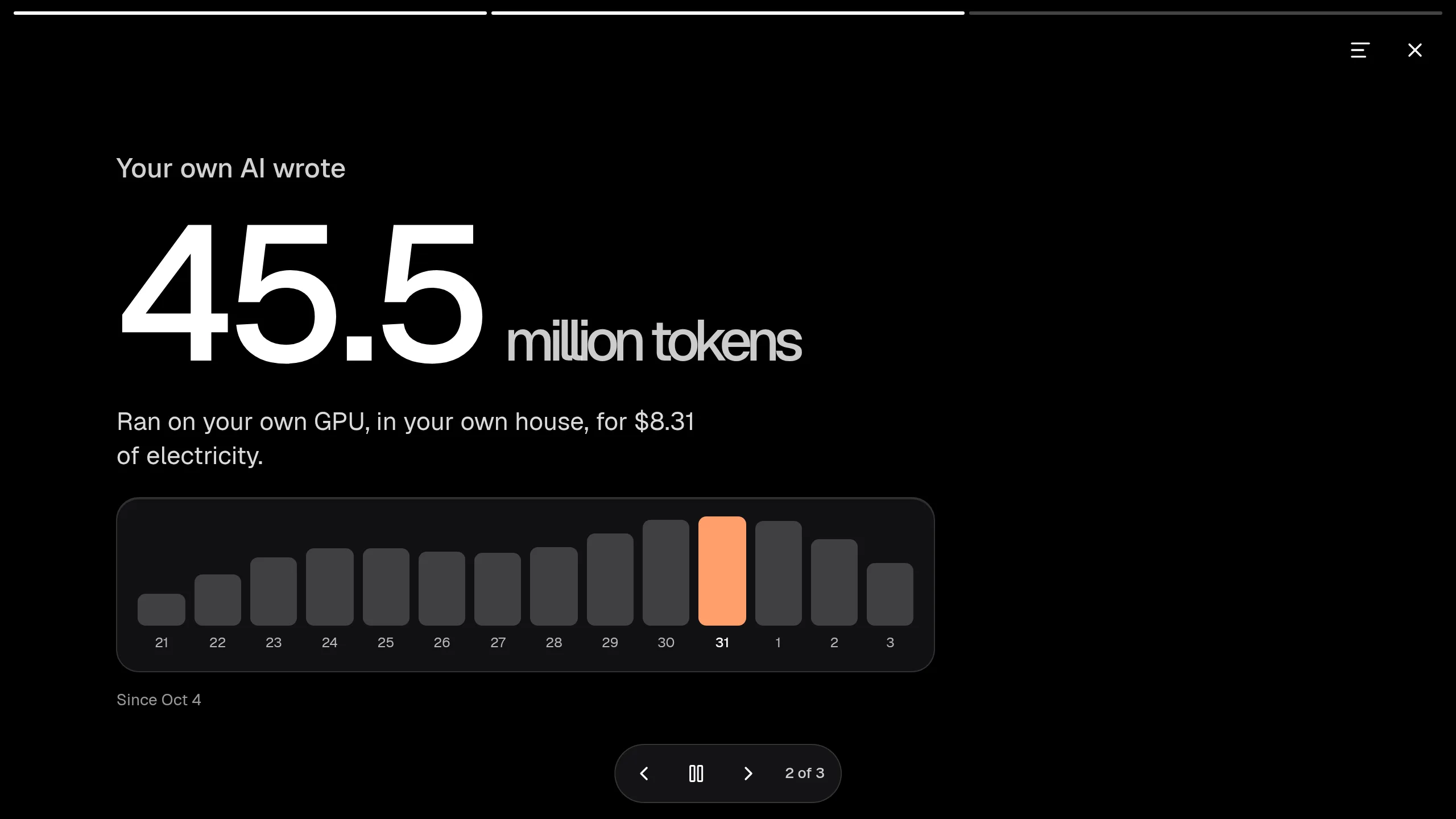
Section titled “Year in review”Slides this integration adds to the recap.